
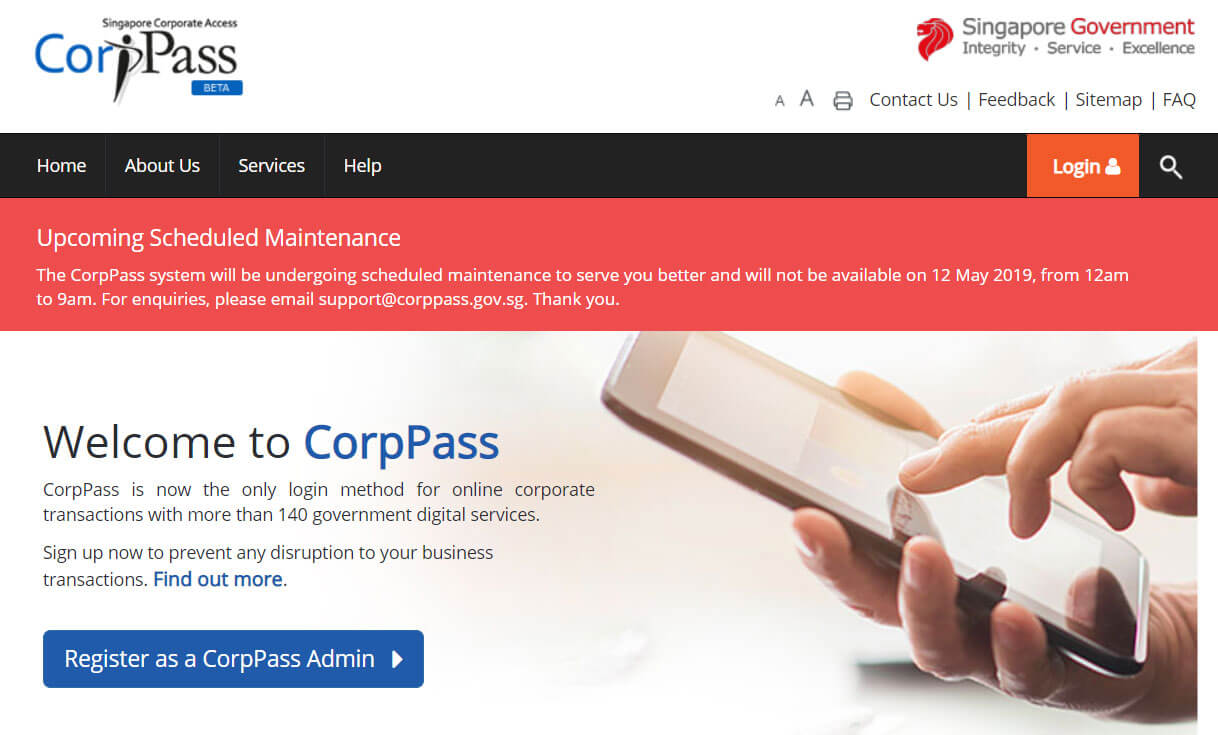
For businesses operating in Singapore, Corppass (Corporate Pass) is the official online identity system used to manage and authenticate access to government digital services. Whether you are a business owner, employee, or corporate representative, understanding how to log in to Corppass is essential for smooth interactions with agencies such as IRAS, MOM, ACRA, and more.
This guide explains everything you need to know about Corppass Login, including steps to sign in, account setup, password recovery, and common troubleshooting solutions.
What Is Corppass?
Corppass (Singapore Corporate Access) is a centralized digital authentication system that allows businesses to securely access online government services. It replaced SingPass and EASY for entity-level transactions and offers better control over user roles and permissions.
Key Features:
- Secure login authentication
- Role-based access control
- Centralized management for multiple government services
- Mandatory for most business transactions
How to Log In to Corppass
Follow these steps to sign in to your Corppass account:
Step 1: Visit the Official Corppass Login Page
Go to the Corppass login portal via your web browser.
Step 2: Select Your Login Method
Corppass users typically log in using:
- SingPass (for Singapore Citizens/PRs)
- Foreign ID + password
- Corppass Admin login for entity management
Step 3: Enter Your Credentials
Provide your registered ID and password. For SingPass, you will be redirected to the standard SingPass login screen.
Step 4: Authenticate with 2FA
A one-time password (OTP) will be sent through:
- SingPass app
- SMS OTP
- Token
Step 5: Access Your Dashboard
Once authenticated, you will reach your Corppass dashboard where you can:
- Manage roles
- Assign services
- Update entity details
- Submit government transactions
How to Register for Corppass
If you are a new user or setting up for your organization, follow these steps:
- Visit the Corppass registration portal
- Log in using SingPass (for local users)
- Enter company details via ACRA / UEN lookup
- Create a Corppass administrator account
- Add users and assign access services
Only authorized entity representatives should set up initial access.
How to Reset Corppass Password
If you forget your login details:
For SingPass Users
Reset your password via the SingPass Password Reset page.
For Foreign Users
- Visit the Corppass login page
- Select Foreign ID Login
- Click Forgot Password
- Follow the instructions to reset via email verification
Common Corppass Login Issues & Solutions
1. Unable to Log In with SingPass
- Ensure your SingPass is active
- Update the SingPass app
- Clear browser cache
2. 2FA OTP Not Received
- Check network signal
- Ensure phone number is updated
- Try receiving OTP via email/token
3. Account Locked
Corppass will lock accounts after multiple failed login attempts.
→ Use the password reset function or contact your Corppass Administrator.
4. User Not Assigned Required Services
Only administrators can assign government digital services.
→ Contact your company’s Corppass Admin.
Tips for Smooth Corppass Usage
- Keep your SingPass app updated
- Regularly review user roles and remove inactive accounts
- Ensure 2FA devices are accessible
- Avoid sharing login credentials
Conclusion
The Corppass Login system is an essential tool for businesses in Singapore, providing secure access to a wide range of government digital services. By following the login steps, troubleshooting tips, and best practices outlined above, you can ensure efficient and hassle-free access whenever needed.
FAQs
1. What is Corppass used for?
It is used for secure authentication and access to government digital services for businesses and organizations in Singapore.
Also Read: The Rise of Anya Taylor-Joy: From Breakout Star to Global Sensation
2. Can foreign users access Corppass?
Yes, foreign employees can log in using their Foreign Identification Number (FIN) and password.
3. How do I become a Corppass administrator?
During entity registration, the first user becomes the admin. Afterward, admins can add additional admins.
4. Do I need SingPass to use Corppass?
Singapore citizens and PRs typically log in using SingPass, but foreign users can use a foreign ID login.
5. What should I do if I cannot access Corppass?
Try resetting your password, clearing browser cache, checking your 2FA device, or contacting your Corppass Administrator.
