
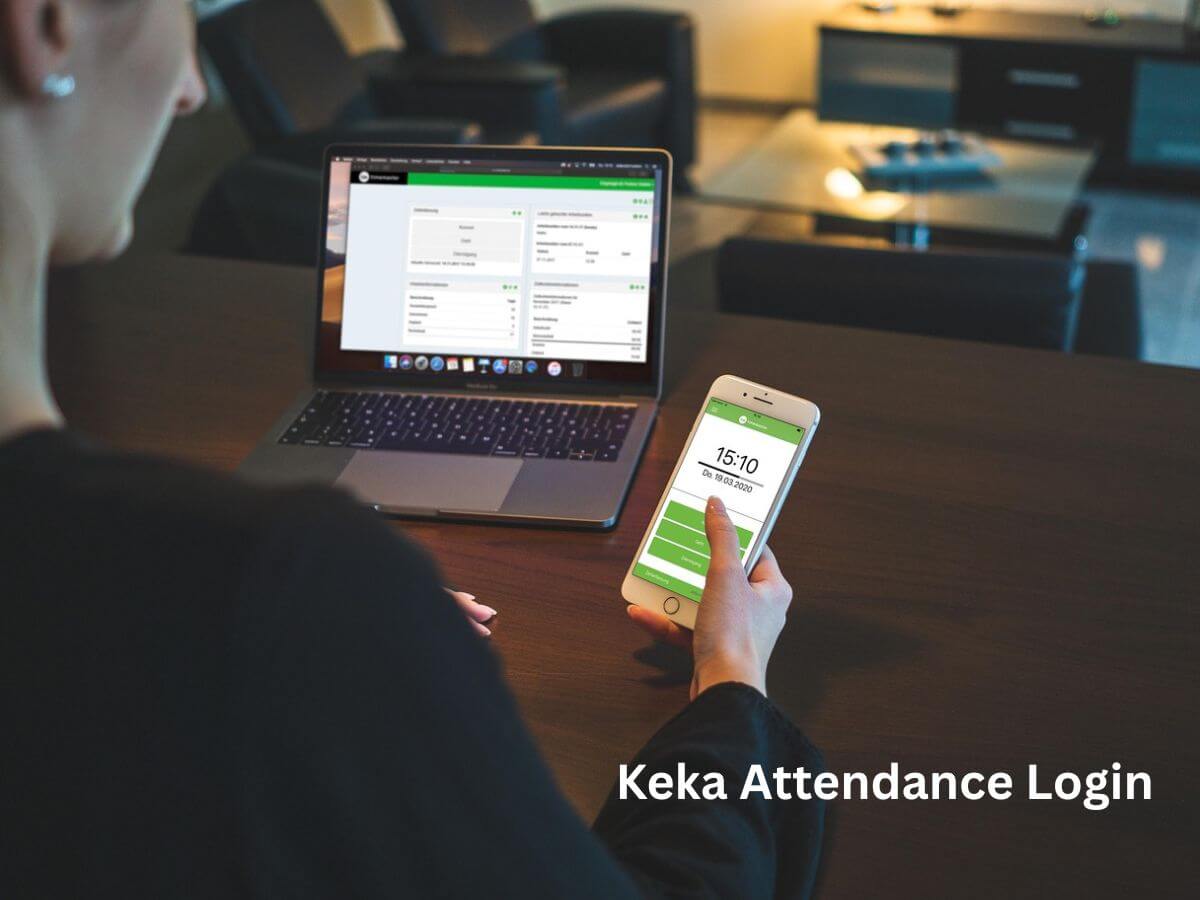
Keka is a popular cloud-based HR and payroll management software used by thousands of companies for employee attendance, payroll processing, leave management, performance tracking, and more. One of its widely used features is the Keka Attendance Portal, where employees can log in to check their attendance logs, apply for leaves, mark attendance, and manage work hours.
This guide will walk you through everything you need to know about Keka Attendance Login, including steps, features, troubleshooting tips, and FAQs.
What Is Keka Attendance?
Keka Attendance is an online attendance management system designed to simplify employee time tracking. It integrates with biometric devices, mobile apps, and web platforms to automatically record employee check-in and check-out times.
Employees can use the Keka portal to:
- Mark attendance (depending on company policy)
- View attendance history
- Request regularization
- Apply for leave
- Check monthly work hours
- View shift schedules
Keka Attendance Login – Step-by-Step Guide
Follow these simple steps to access your Keka attendance dashboard:
1. Visit the Keka Login Page
Go to your organization’s Keka domain. It usually looks like:
https://yourcompany.keka.com
Make sure to use your company’s unique subdomain—generic login may not work.
2. Enter Your Registered Email
Type in the email address you use for your company Keka account.
3. Enter Your Password
Provide your correct login password.
If you’re logging in for the first time, check your email for password setup instructions.
4. Click on “Sign In”
Once logged in successfully, go to:
Dashboard → Attendance
Here you can view your attendance details, logs, and requests.
Keka Attendance Login via Mobile App
You can also access attendance through the Keka Mobile App, available on both Android and iOS.
Steps:
- Download Keka HR from Google Play Store or Apple App Store
- Open the app and enter your organization’s domain
- Log in using your email and password
- Tap on the Attendance section to view your daily logs
The app also supports GPS-based attendance, remote check-in, and attendance regularization.
Troubleshooting Keka Attendance Login Issues
If you’re unable to log in, try these fixes:
✔ 1. Incorrect Domain Name
Make sure you are using your company-specific URL.
✔ 2. Wrong Email or Password
Double-check credentials.
Use Forgot Password if needed.
✔ 3. Browser Cache Issues
Clear browser cache or try using incognito mode.
✔ 4. Account Not Activated
If you are a new employee, your HR must activate your account.
✔ 5. App Version Outdated
Update your Keka mobile app to the latest version.
If the issue persists, contact your HR/IT department.
Features of Keka Attendance System
- Automated time tracking
- Biometric/device integration
- GPS & remote attendance
- Attendance regularization
- Leave management
- Monthly timesheet view
- Hybrid and shift scheduling support
- Late/early mark notifications
Conclusion
Keka Attendance Login allows employees to easily access their daily work hours, check-in/out times, leaves, and overall attendance records. Whether through the web portal or mobile app, Keka makes attendance tracking smooth and efficient for both employees and HR teams.
FAQs – Keka Attendance Login
1. What is the Keka attendance URL?
Each company has its own unique domain, such as:yourcompany.keka.com
Also Read: The Rise of Lucy Hale: A Modern Hollywood Success Story
2. How do I reset my Keka password?
Click on Forgot Password on the login page and follow the email instructions.
3. Can I mark my attendance using the Keka app?
Yes, if your company has enabled mobile/GPS attendance.
4. Why can’t I log in to Keka?
You might be using the wrong domain, password, or an inactive account. Contact HR if needed.
5. Does Keka support biometric attendance?
Yes, Keka integrates with biometric devices for automatic attendance tracking.
