
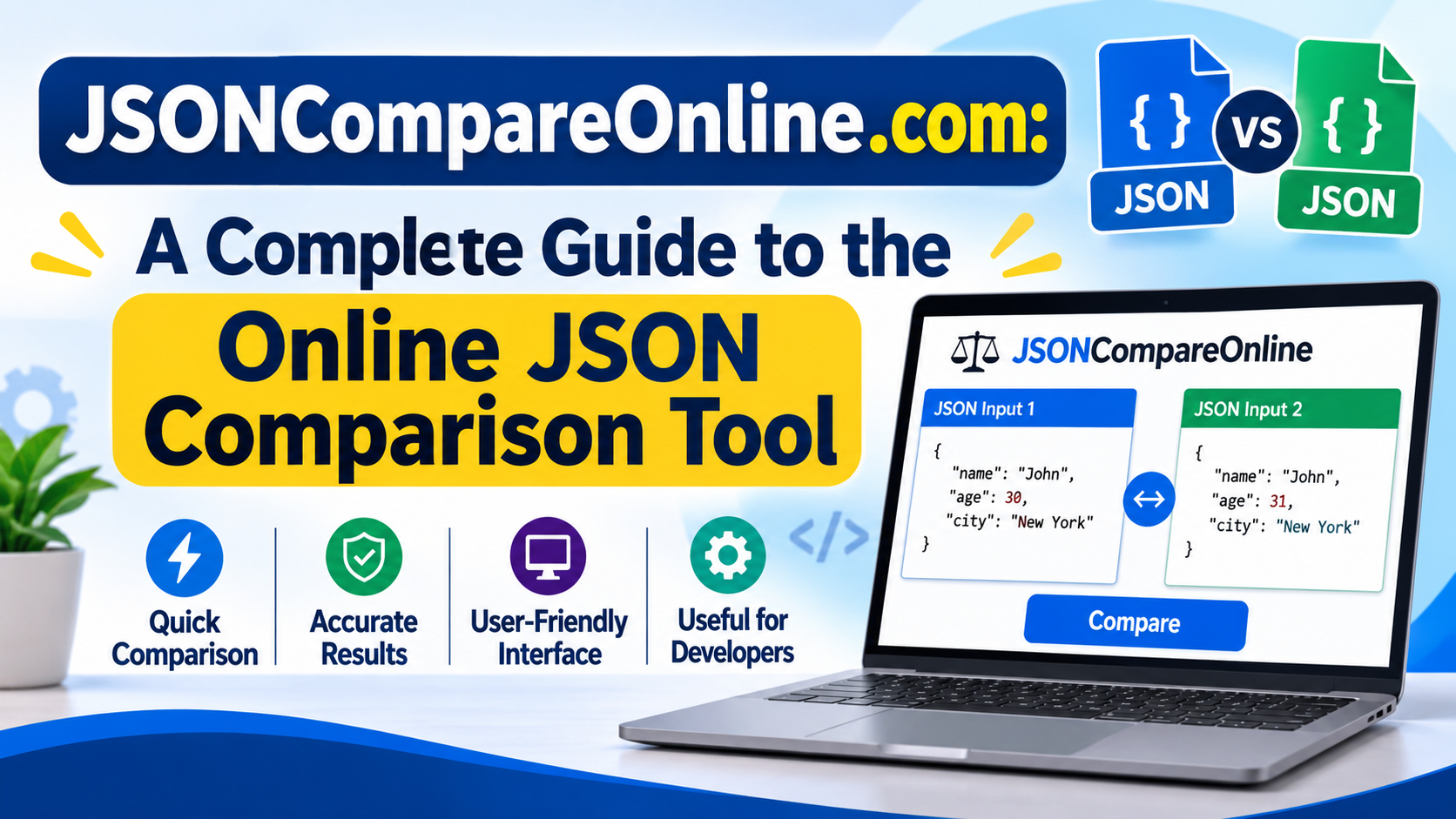
In modern software development, working with structured data is an essential part of building and maintaining applications. JSON (JavaScript Object Notation) is one of the most commonly used formats for storing and exchanging information between applications, APIs, and servers. However, comparing two JSON files manually can become difficult, especially when they contain hundreds or thousands of lines.
This is where JSONCompareOnline.com comes into the picture. It is an online platform designed to help users compare JSON data and identify differences between two JSON structures. Instead of checking every line manually, users can use a comparison tool to make the process easier and more efficient.
In this article, we will explore what JSONCompareOnline.com is, how it works, its potential benefits, common use cases, and why JSON comparison tools are useful for developers.
What Is JSONCompareOnline.com?
JSONCompareOnline.com is a web-based platform associated with JSON comparison. Its main purpose is to help users identify differences between two JSON documents or data structures.
JSON files are widely used in web development, mobile applications, APIs, and data exchange systems. When developers update an application or modify an API response, they may need to check what has changed between the original and updated JSON data.
A JSON comparison tool can simplify this task by identifying differences such as:
- Newly added keys or values.
- Removed fields or objects.
- Modified values.
- Changes in data structures.
- Differences in nested JSON objects.
The platform is intended to make JSON comparison more convenient without requiring users to install complicated desktop software.
Understanding JSON and Its Importance
Before exploring JSON comparison, it is helpful to understand what JSON actually means.
JSON stands for JavaScript Object Notation. It is a lightweight data format used to store and exchange information between different systems.
For example, an application might receive user information from an API in the following format:
{
  "name": "John",
  "age": 25,
  "city": "London"
}
This structure contains information organized into key-value pairs. JSON is popular because it is readable, relatively simple, and supported by many programming languages.
When developers work with multiple versions of JSON data, comparing them helps ensure that the information remains accurate and consistent.
Key Features and Capabilities of JSON Comparison Tools
JSON comparison platforms are useful because they simplify the process of examining structured data. The following capabilities explain what users generally look for in an online JSON comparison service.
1. Compare Two JSON Documents
The primary purpose of a JSON comparison tool is to examine two JSON documents and identify differences.
Developers can compare an original version with an updated version to understand which fields have changed. This is particularly useful when working with application updates and API modifications.
2. Identify Added and Removed Values
Small changes in JSON structures can sometimes create unexpected application issues.
A comparison tool helps identify newly introduced fields and values that have been removed. This makes it easier to review modifications and understand how data structures have evolved.
3. Detect Modified Information
Another important capability is identifying values that have changed between two JSON documents.
For example, a product price might change from 100 to 150, or a user’s account status might change from inactive to active. Comparing both versions makes these modifications easier to locate.
4. Simplify JSON Debugging
Debugging is an important part of software development. When an application produces unexpected results, developers often need to examine API responses or configuration files.
JSON comparison tools help narrow down potential problems by showing differences between two versions of the data.
5. Browser-Based Accessibility
Online JSON comparison tools provide convenient access through a web browser. Users generally do not need to install a separate application to perform basic comparison tasks.
However, users should check the current website interface and available options before relying on a particular feature.
How to Use JSONCompareOnline.com
Using an online JSON comparison platform is generally straightforward. The typical process involves preparing two JSON documents and comparing their contents.
Here is a simple guide:
Step 1: Visit the Website
Open your preferred web browser and navigate to JSONCompareOnline.com.
Step 2: Prepare Your JSON Data
Copy the first JSON document that you want to compare. Make sure the information is properly formatted and contains valid JSON syntax.
Step 3: Enter the Second JSON Document
Prepare the updated or alternative JSON document. Place it in the second comparison field if the website provides separate input areas.
Step 4: Start the Comparison
Use the available comparison option to analyze both documents.
Step 5: Review the Differences
Examine the comparison results to identify added, removed, or modified information.
Step 6: Verify the Results
Review the highlighted changes carefully and determine whether they are expected. If necessary, correct your JSON data and run the comparison again.
Benefits of Using an Online JSON Comparison Tool
Online JSON comparison tools can offer several advantages for people who regularly work with structured data.
Saves Time
Manually comparing large JSON documents can take considerable time. Automated comparison makes it easier to locate differences without reading every line.
Improves Development Efficiency
Developers can spend less time checking data manually and more time working on important development tasks.
Helps Identify Errors
Unexpected changes in JSON data can cause problems in applications. Comparing different versions helps developers investigate these issues.
Supports API Testing
API developers frequently compare responses from different environments. JSON comparison makes it easier to examine whether the returned information matches expectations.
Convenient Access
Browser-based tools are useful because they can be accessed without installing dedicated comparison software.
Common Use Cases of JSONCompareOnline.com
JSON comparison is useful in several technical situations.
Comparing API Responses
Developers often need to compare API responses from development, testing, and production environments. This helps identify differences in returned data and detect unexpected changes.
Reviewing Configuration Files
Many applications use JSON files to store settings and configurations. Comparing different versions helps developers understand which settings have been modified.
Software Development and Debugging
When a software update introduces unexpected behavior, developers can compare previous and updated JSON outputs to identify potential causes.
Database Migration
During database migration, information may be transferred between different systems. Comparing JSON exports can help identify missing fields or changes in stored information.
Testing Application Updates
Software testing teams can compare JSON responses before and after an update to verify that important data structures remain consistent.
Who Can Benefit from JSONCompareOnline.com?
JSON comparison tools are useful for different types of users.
- Web Developers: They can compare API responses and application data.
- Software Engineers: They can review changes in JSON configurations.
- QA Testers: They can verify whether application updates produce expected results.
- API Developers: They can investigate differences between API versions.
- Students: They can learn how JSON structures work and practice comparing data.
- Data Analysts: They can examine structured data and identify changes between datasets.
Even users with basic programming knowledge can benefit from understanding how JSON comparison works.
Is JSONCompareOnline.com Useful for Beginners?
JSON comparison tools can be helpful for beginners because they reduce the need to inspect complicated data structures manually.
Someone learning web development may encounter JSON while working with APIs, JavaScript applications, or backend systems. Comparing two JSON documents can help them understand how objects, arrays, keys, and values are organized.
However, beginners should also learn basic JSON syntax and validation. Understanding the structure of the data makes comparison results easier to interpret.
Important Security and Privacy Considerations
When using an online tool to compare JSON documents, privacy should always be considered.
JSON files may contain confidential information, including customer details, authentication tokens, application settings, or internal business data.
Before submitting information to any online platform, users should:
- Read the website’s privacy policy.
- Avoid entering passwords or authentication tokens.
- Remove personal and confidential information whenever possible.
- Check whether comparison takes place locally or involves server-side processing.
- Use approved internal tools for sensitive company information.
Never assume that information is processed privately simply because a service is available through a browser.
Tips for Getting Better JSON Comparison Results
To make JSON comparison more effective, follow these practical suggestions:
- Validate Your JSON: Make sure both documents contain valid JSON syntax before comparing them.
- Use Clear Formatting: Proper indentation makes complex structures easier to understand.
- Check Nested Objects: Pay attention to changes inside deeply nested objects and arrays.
- Review Data Types: A value changing from a number to a string may affect application functionality.
- Verify Important Changes: Do not assume every difference is an error. Some modifications may be intentional.
- Protect Sensitive Data: Avoid sharing confidential information with services that have not been approved for that purpose.
Final Thoughts
JSONCompareOnline.com is a website associated with online JSON comparison, a useful task for developers, programmers, and software testing professionals. JSON comparison tools make it easier to examine two versions of structured data, identify modifications, and investigate unexpected changes.
Whether someone is working with API responses, configuration files, application updates, or database exports, understanding JSON comparison can improve their workflow and reduce manual effort.
(FAQs) About JSONCompareOnline.com
1. What is JSONCompareOnline.com?
JSONCompareOnline.com is an online tool that helps users compare two JSON documents and identify differences in their data structures, keys, and values.
2. Is JSONCompareOnline.com free to use?
The website lists its JSON comparison tool as free to use. Users should check the website for any changes to its pricing or available features.
3. How does JSONCompareOnline.com work?
Users can paste or upload two JSON documents into the comparison fields and click the Compare JSON button. The tool then displays differences between the documents.
4. Do I need programming knowledge to use JSONCompareOnline.com?
No. Basic knowledge of JSON is helpful, but users do not need advanced programming skills to perform simple comparisons.
Also Read: Kyle Gallner: Biography, Age, Movies, TV Shows, Career, and Personal Life
5. Can I compare two JSON files online?
Yes. The website is designed to compare two JSON documents and help users identify changes between them.
6. Can JSONCompareOnline.com detect missing keys?
Yes. Its comparison functionality is intended to identify missing keys, added fields, and modified values.
7. Does JSONCompareOnline.com support nested JSON objects?
JSON comparison tools are generally designed to examine nested objects and arrays. Users can check the website’s current results to confirm how complex structures are displayed.
8. Can I use JSONCompareOnline.com for API testing?
Yes. Comparing API responses is a useful application of JSON comparison. Developers can examine responses from different versions or environments.
9. Is JSONCompareOnline.com safe to use?
Users should review the website’s privacy policy before submitting data. Avoid uploading passwords, authentication tokens, personal information, or confidential business data.
10. Can I compare large JSON files with JSONCompareOnline.com?
The website advertises support for large JSON files. However, actual performance may depend on file size, complexity, and browser capabilities.
11. Can JSONCompareOnline.com identify modified values?
Yes. Its comparison features are designed to highlight modified values, along with added and removed data.
12. Does JSONCompareOnline.com require software installation?
No separate desktop installation is generally required because the service is accessible through a web browser.
13. Can beginners use JSONCompareOnline.com?
Yes. Its straightforward comparison process makes it useful for students, beginners, developers, and other people working with JSON data.
14. Can I use JSONCompareOnline.com on my mobile phone?
You can access the website through a mobile browser. However, comparing large JSON documents may be more convenient on a desktop or laptop.
15. Why should developers use JSONCompareOnline.com?
Developers can use it to save time, identify data changes, troubleshoot API responses, review configuration files, and simplify JSON debugging.
