
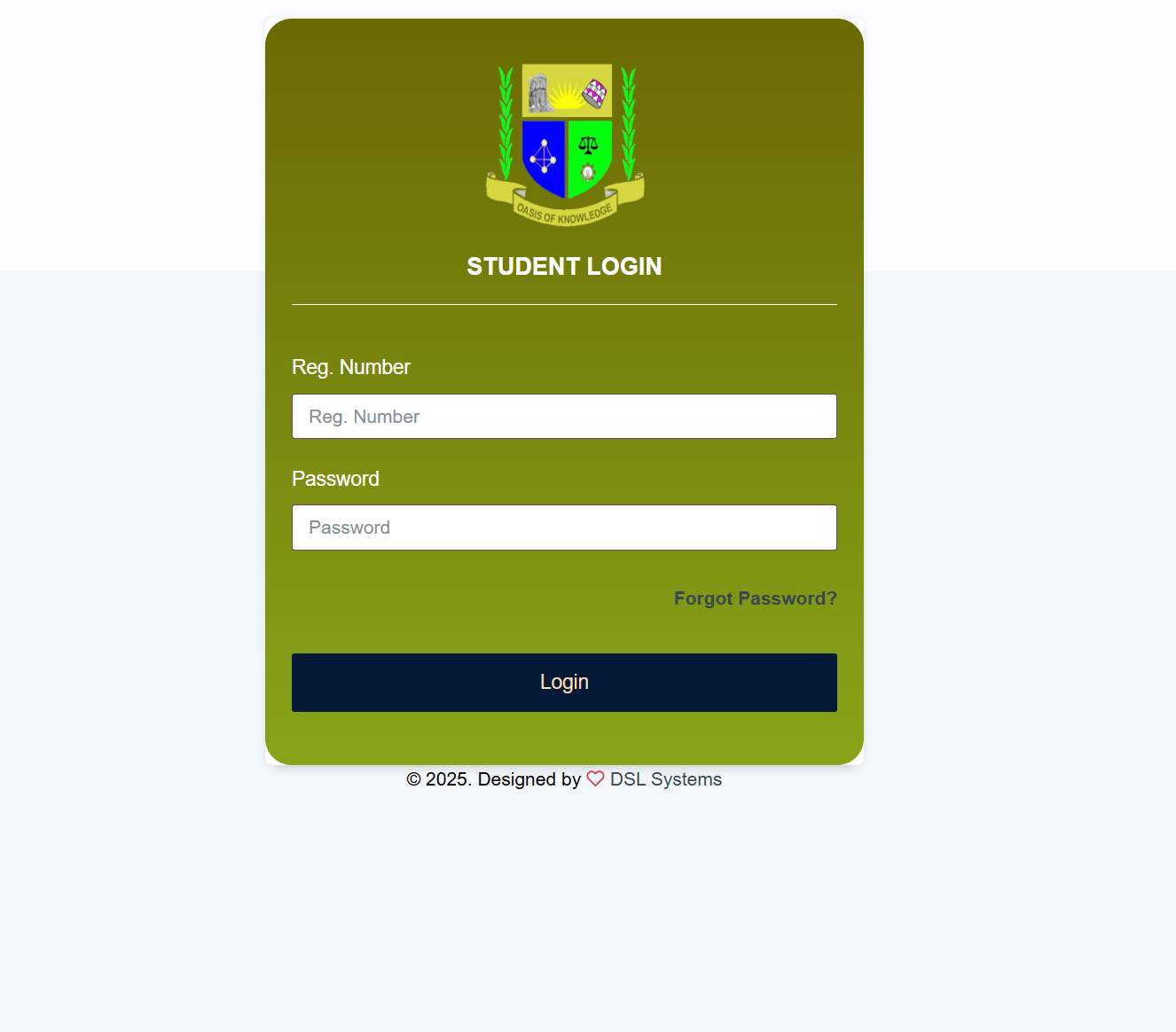
In today’s digital age, universities are increasingly relying on online systems to streamline academic and administrative processes. One such system is the JOOUST University Student Portal, a centralized platform designed to make student life easier, more organized, and more efficient. Whether you’re a new student or a continuing one, understanding how to use the portal effectively can significantly enhance your academic experience.
What is the JOOUST Student Portal?
The JOOUST Student Portal is an online platform provided by Jaramogi Oginga Odinga University of Science and Technology (JOOUST). It serves as a one-stop hub where students can access essential academic information and perform various administrative tasks without needing to visit physical offices.
Key Features of the Portal
1. Course Registration
One of the primary functions of the portal is course registration. Students can easily enroll in units for the semester, ensuring they meet program requirements and deadlines.
2. Fee Management
The portal allows students to:
- Check fee balances
- View payment history
- Download fee statements
This helps students stay financially organized and avoid penalties.
3. Academic Records
Students can access their academic performance directly through the portal. This includes:
- Exam results
- Transcripts
- Progress reports
Having this information readily available helps students track their academic growth.
4. Timetables and Schedules
The portal provides updated class schedules and examination timetables, ensuring students are always informed about their academic commitments.
5. Communication and Announcements
Important announcements from the university administration are posted on the portal. This ensures that students receive timely updates regarding academic calendars, deadlines, and events.
6. Personal Profile Management
Students can update personal information such as contact details, ensuring the university maintains accurate records.
Benefits of Using the JOOUST Student Portal
The portal offers several advantages that improve the overall student experience:
- Convenience: Access services anytime and from anywhere
- Efficiency: Reduces the need for long queues and paperwork
- Transparency: Easy access to academic and financial records
- Time-Saving: Quick completion of administrative tasks
How to Access the Portal
To use the JOOUST Student Portal:
- Visit the official university website
- Navigate to the student portal section
- Log in using your student credentials (username and password)
If you are a first-time user, you may need to activate your account using your registration details.
Tips for Effective Use
- Always log out after using the portal, especially on shared devices
- Regularly check announcements to stay updated
- Keep your login credentials secure
- Update your profile information when necessary
Common Challenges and Solutions
Some students may face issues such as login errors or slow loading pages. These can often be resolved by:
- Checking your internet connection
- Resetting your password
- Contacting the university IT support team
Final Thoughts
The JOOUST University Student Portal is an essential tool for managing academic life efficiently. By taking full advantage of its features, students can save time, stay organized, and focus more on their studies. As universities continue to embrace digital transformation, platforms like this will remain central to the modern educational experience.
Make it a habit to log in regularly and explore all the features available—you might be surprised at how much easier it makes your university journey.
(FAQs) About JOOUST Student Portal
1. What is the JOOUST Student Portal used for?
The JOOUST Student Portal is used for managing academic and administrative tasks such as course registration, checking results, viewing fee statements, and accessing university announcements.
2. How do I log in to the JOOUST Student Portal?
You can log in by visiting the official university website and entering your student username and password. These credentials are usually provided during registration.
3. What should I do if I forget my password?
If you forget your password, use the “Forgot Password” option on the login page. Follow the instructions to reset it. If the issue persists, contact the university’s IT support team.
Also Read: Ella Anderson: Rising Star of Hollywood’s Young Generation
4. Can I register for courses through the portal?
Yes, students can register for their courses or units each semester directly through the portal.
5. How can I check my exam results?
You can view your exam results by logging into the portal and navigating to the academic records or results section.
6. Is the portal accessible on mobile devices?
Yes, the portal can be accessed via smartphones, tablets, and computers as long as you have an internet connection.
7. What should I do if the portal is not working?
If the portal is down or not loading:
- Check your internet connection
- Try accessing it at a later time
- Contact IT support if the issue continues
8. Can I update my personal information on the portal?
Yes, students can update their contact details and other personal information through the profile section.
9. How often should I check the portal?
It is recommended to check the portal regularly to stay updated on announcements, deadlines, and academic information.
10. Is my information secure on the portal?
Yes, the portal is designed with security measures to protect student data. However, always keep your login details private and avoid sharing them with others.
