
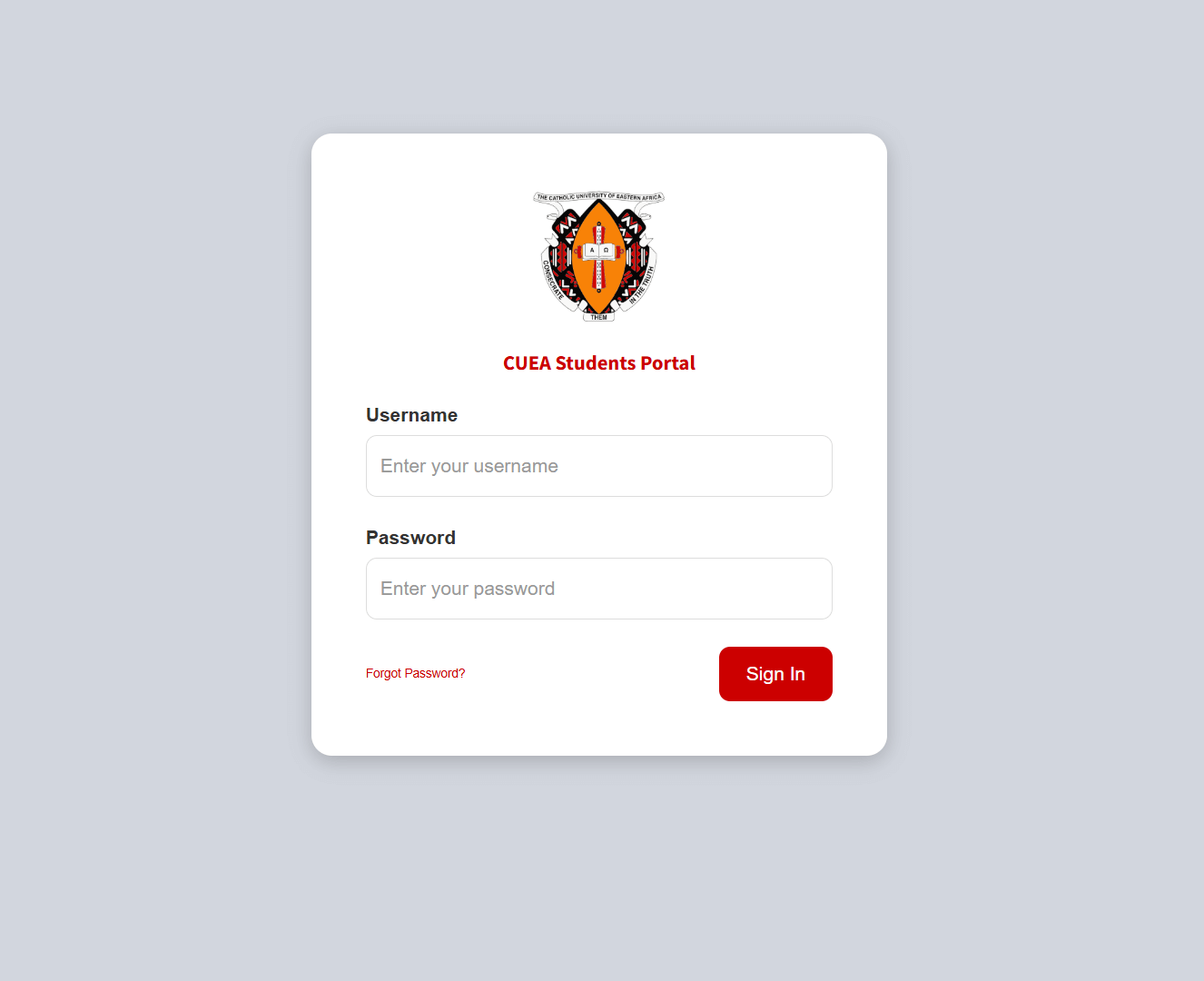
The CUEA Student Portal is the official online platform of the Catholic University of Eastern Africa (CUEA). Designed to simplify academic and administrative processes, the portal allows students to access essential services anytime, anywhere.
Whether you are a new student or a continuing one, understanding how to use the CUEA Student Portal can make your university life smoother and more organized. In this guide, we’ll explore its features, login process, benefits, and troubleshooting tips.
What Is the CUEA Student Portal?
The CUEA Student Portal is a secure online system where students can manage their academic records, course registration, fee payments, and other university-related services without visiting administrative offices.
It acts as a digital hub that connects students to university resources efficiently.
Key Features of the CUEA Student Portal
Here are some of the main features available to students:
1. Online Registration
Students can register for courses at the beginning of each semester directly through the portal.
2. Fee Statement & Payments
The portal provides access to:
- Fee balances
- Payment history
- Online payment options
3. Exam Results
Students can view and download their semester results once officially released.
4. Academic Records
Access to transcripts, academic progress reports, and course details is available within the system.
5. Timetable Access
Students can check class schedules and examination timetables online.
6. Personal Profile Management
Users can update personal details such as phone numbers, email addresses, and other contact information.
How to Login to the CUEA Student Portal
Follow these simple steps to log in:
- Visit the official CUEA website.
- Click on the Student Portal link.
- Enter your Student Registration Number.
- Input your Password.
- Click Login.
If you are logging in for the first time, you may need to activate your account or use default credentials provided during admission.
How to Reset Your Password
If you forget your password:
- Click on the Forgot Password option on the login page.
- Enter your registered email address or student ID.
- Follow the instructions sent to your email.
- Create a new secure password.
If you experience issues, you can contact the university’s ICT support department for assistance.
Benefits of Using the CUEA Student Portal
Using the portal offers several advantages:
- ✅ Saves time by reducing physical visits to offices
- ✅ Easy access to academic records
- ✅ Secure and private information management
- ✅ Convenient fee tracking and payments
- ✅ Quick access to exam results
The portal enhances transparency and efficiency in managing academic activities.
Common Login Issues and Solutions
Here are a few common problems students may encounter:
Incorrect Password – Ensure you type the correct credentials and check if Caps Lock is off.
Account Locked – Too many failed login attempts may temporarily lock your account. Contact ICT support.
Portal Not Loading – Check your internet connection or try using a different browser.
Tips for Secure Use
To keep your account safe:
- Never share your login credentials.
- Use a strong password.
- Always log out after accessing the portal on shared devices.
- Regularly update your password.
Final Thoughts
The CUEA Student Portal is an essential tool for students at the Catholic University of Eastern Africa. It simplifies academic management, improves communication, and ensures easy access to important university services.
By understanding how to navigate and use the portal effectively, students can focus more on their studies and less on administrative processes.
Frequently Asked Questions (FAQs)
1. Who can access the CUEA Student Portal?
Only registered students of the Catholic University of Eastern Africa can access the portal using valid login credentials.
Also Read: The Rise of Zach Justice: From Podcast Host to Social Media Star
2. Can I register for courses through the portal?
Yes, students can complete semester course registration online.
3. How can I check my exam results?
Log in to the portal and navigate to the “Results” section to view your grades.
4. What should I do if I cannot access my account?
Use the “Forgot Password” feature or contact the university’s ICT support team.
5. Is the CUEA Student Portal accessible on mobile devices?
Yes, the portal can be accessed through smartphones, tablets, and computers with an internet connection.
